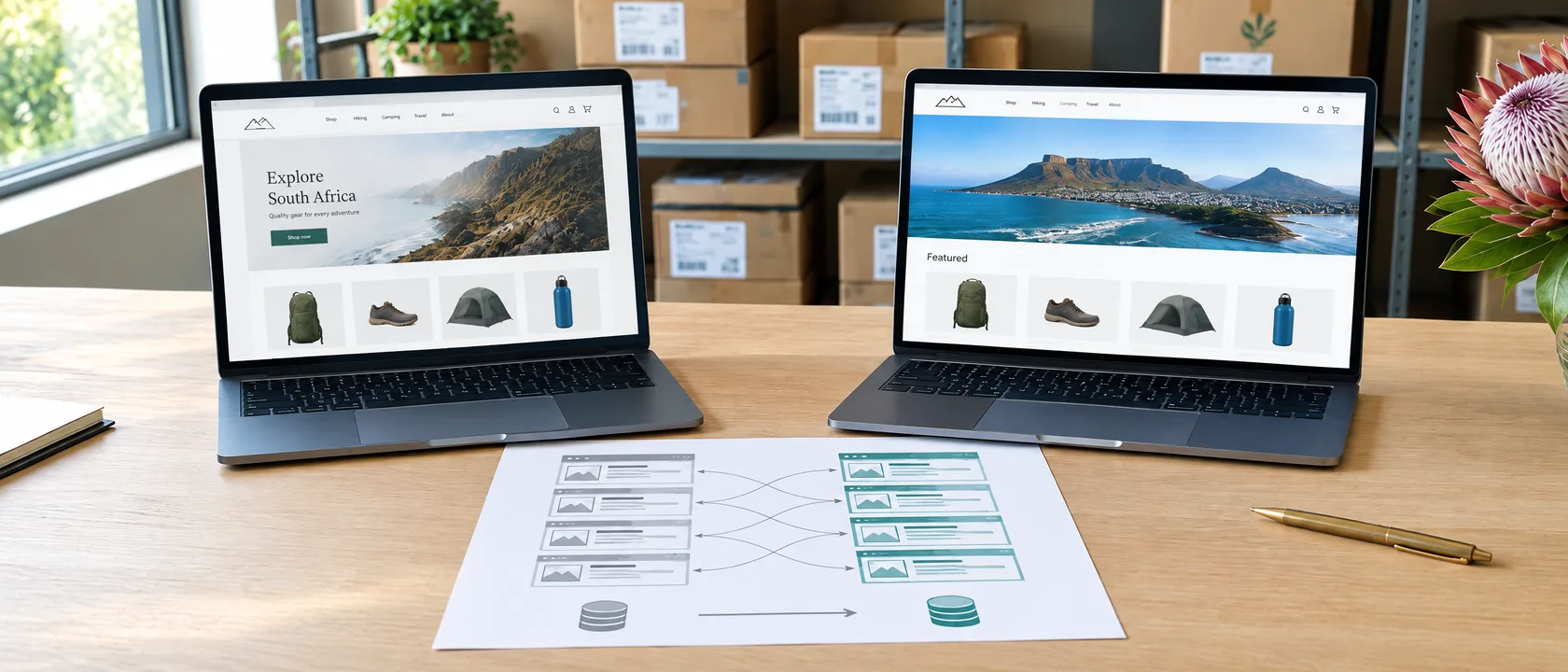
An ecommerce migration is rarely lost in the design. It is lost in the inventory nobody wrote down: the product variants, the customer logins, the delivery rules, and the thousand small addresses Google has spent years learning. A new store that launches without them looks better and sells less, and the owner usually finds out from a quiet month rather than an error message.
This is the order that keeps the sales and the search visibility a store has already earned.
Migrate when the platform blocks how you sell
A dated look is a reason to redesign, not to move platforms. Migration earns its cost when the platform itself is in the way: a checkout that cannot offer the payment methods South African buyers use, stock that has to be updated by hand in two places, delivery rules the system cannot express, or a catalogue that has outgrown what the platform handles on a phone.
If the honest list of problems is mostly photographs, product descriptions and page speed, fix those on the platform you have. They travel with you either way, and a migration will not write a single product description for you.
Choose the platform after the requirements, not before
Shopify and WooCommerce both run serious South African stores, and neither is the right answer in general. The choice follows from how the business actually operates.
The catalogue
How many products, how many variants, and how often they change. Complexity in the catalogue decides more than the size of it.
Payments and delivery
Which gateways, which couriers, and whether delivery is priced by weight, by area or flat. Check each against the platform before committing.
The till and the stock
If a physical shop or a warehouse system is the source of truth for stock, the integration is the project, not the theme.
Who runs it
A platform the team can update without a developer is worth more than one with features nobody will touch.
What it costs to own
Monthly fees, app subscriptions, hosting and maintenance over three years, not the build price alone.
Where it is going
Wholesale accounts, a second brand, another country. Choose for the next stage, not the last one.
Write the inventory before a single product moves
The inventory is the whole migration on one page. Everything on it is either moved, rebuilt or deliberately dropped, and nothing is left to be discovered after launch.
- Products, variants, images, weights and the attributes filters depend on.
- Customer accounts and order history, and what happens to saved passwords.
- Categories, collections and the order products appear in.
- Delivery zones, rates, payment methods and tax settings.
- Every URL the old store has, with its title and description.
- Legal pages, returns terms, and the emails customers receive after an order.

Move the data customers will notice
Customers do not see the platform. They see whether they can still log in, whether their order history is there, and whether the product they bookmarked still exists. Passwords usually cannot be carried between platforms, so plan the message that asks returning customers to set a new one, and send it the day the store goes live rather than letting them find a failed login.
Clean the product data on the way across, not after. Duplicate products, empty weights and inconsistent variant names are cheaper to fix in a spreadsheet than in a live catalogue.
Protect the search visibility the old store earned
Rankings belong to addresses. When a product that lived at one URL moves to another, Google treats the new page as new unless the old address points to it with a permanent redirect. This is the part of an ecommerce migration most likely to be treated as a detail, and the most expensive one to skip.
- 01Export every indexed URL from the old store and from Search Console before anything changes.
- 02Map each one to its closest new page: product to product, category to category. The home page is not a destination for everything that no longer exists.
- 03Set permanent redirects for the whole map, and test a sample by hand before launch.
- 04Carry across the page titles, descriptions and product copy that were working, rather than starting them again.
- 05Submit the new sitemap on launch day and watch the coverage report for errors.
Rankings belong to addresses. A new store that changes every URL without a redirect map has not moved its search visibility. It has left it behind.
Test the store the way a customer uses it
Place real orders on a phone, over mobile data, with each payment method and each delivery option, before launch. Check the confirmation email arrives and says the right thing. Search for a product, filter a category, apply a discount code, and ask for a refund. Every one of those paths worked on the old store, and nobody will notice it has broken until a customer does.
Watch the first weeks closely
For the first weeks after launch, check orders against the same period on the old store, the list of broken addresses Google reports, and the positions of the category and product pages that matter most. A dip in search visibility is common while Google processes a move; a dip that keeps growing is a redirect problem, and the sooner it is found the less it costs.
The point
An ecommerce migration is two lists and a test. Write down everything the old store holds, map where every old address will point, and buy from the new store on a phone before anyone else does. The design is the part people will compliment. The lists are the part that keeps the sales.
Sources and method
- Google Search Central, "Site moves with URL changes" and "Ecommerce SEO" documentation, read 14/09/2026, for how redirects and URL changes are treated.
- Process drawn from moving and rebuilding stores in practice. No client figures appear.
Written by Assay House, a South African brand strategy and creative agency. Published 14 September 2026.